Please see the instructions below on installing PaperCut MF on the Kyocera Devices:
You download the PaperCut app for Kyocera from the Technical Issues website. The location of the app can be found here: Innovative Solutions - Technical Issues - Documents\Technical Issues\Software\PaperCut\MFP Apps\kyocera
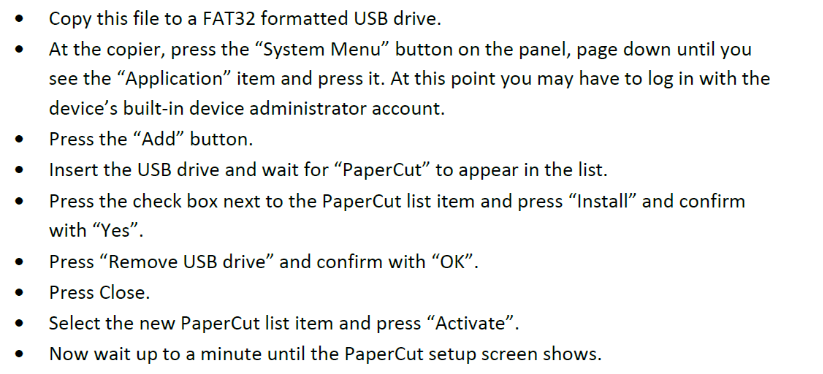
To install the PaperCut MF app, please follow these instructions below:
The MFP will ask for the following info:
- Device Name would be the location of the device.
- Server IP would be the IP of the PaperCut server.
If you require any further assistance, please contact Innovative Solutions Support.

support@innovativesolutions.co.za
+27 61 542 7262
Was this article helpful?
That’s Great!
Thank you for your feedback
Sorry! We couldn't be helpful
Thank you for your feedback
Feedback sent
We appreciate your effort and will try to fix the article