Product: BMS
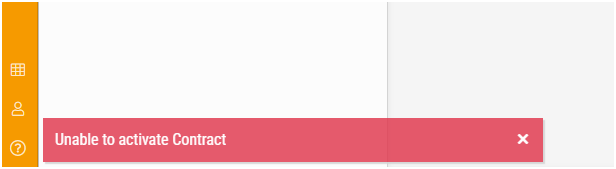
Problem: When activating a contract, error message 'Unable to activate Contract' appears.
Possible causes: The Customer that the contract is linked to is Archived.
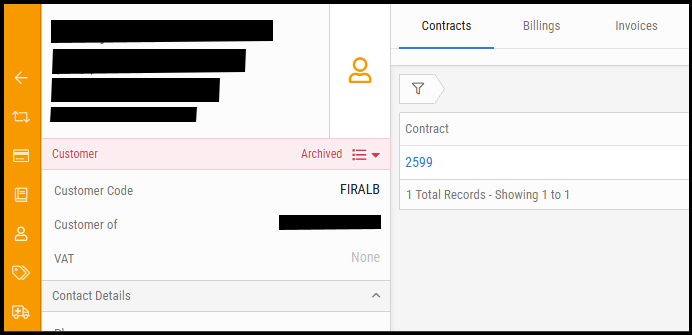
Solution:
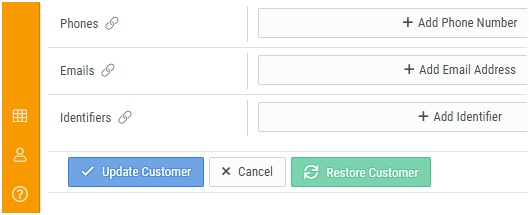
1) Restore the Customer by editing the Customer and clicking on Restore Customer:
2) Now try activating the Contract.

support@innovativesolutions.co.za
+27 61 542 7262
Was this article helpful?
That’s Great!
Thank you for your feedback
Sorry! We couldn't be helpful
Thank you for your feedback
Feedback sent
We appreciate your effort and will try to fix the article