Product: BMS, Xero
Problem: Error message 'Something went wrong with synchronising with xero. The Account Number already exists. Please enter a different Account Number.' appears on BMS when syncing a Customer to Xero
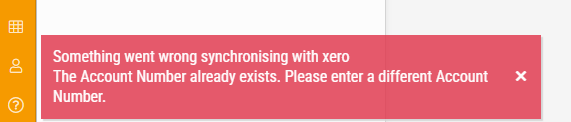
Possible causes: The Contact with the same Account Number in Xero as the BMS Customer Code, is archived
Solution: Restore the Contact within Xero. Next, within any BMS Module, on the Customer Page, click on the Sync Customer with Xero Contact button.

support@innovativesolutions.co.za
+27 61 542 7262
Was this article helpful?
That’s Great!
Thank you for your feedback
Sorry! We couldn't be helpful
Thank you for your feedback
Feedback sent
We appreciate your effort and will try to fix the article