Product: BMS
Problem: Notification 'xxxxxxxx could not be allocated.' appears when allocating stock to a Job.
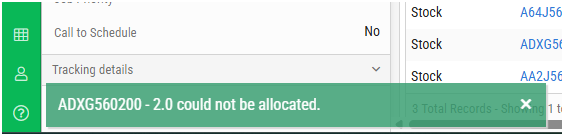
Possible causes: This item possibly appears on a PO or Receipting that is not yet Completed.
Solution: Complete or Cancel any Open Purchase Order or Receipting that this item is linked to by doing the following:
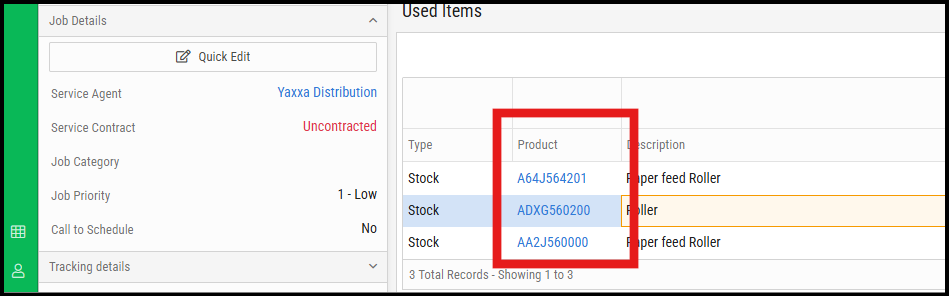
1) Click on the specific Product link on the Job. This will take you to the Stock Module:
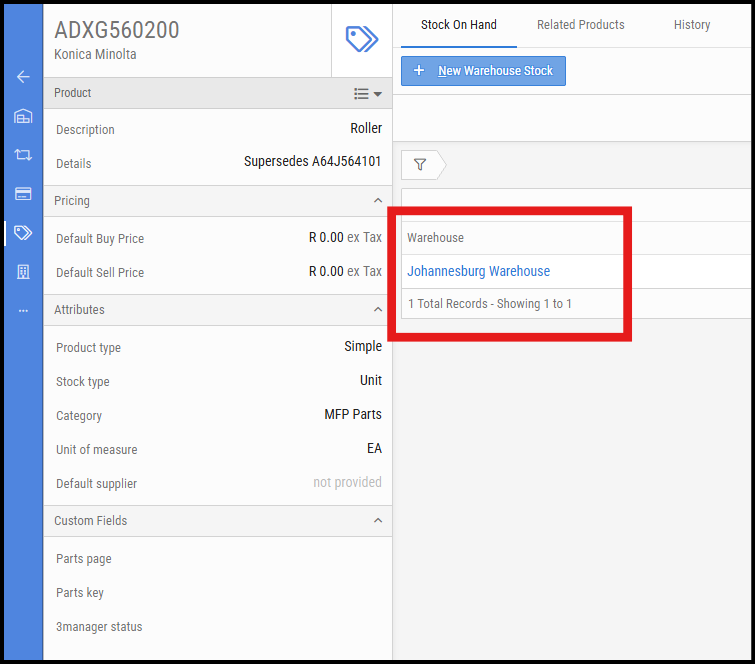
2) Click on the Warehouse that the item was being allocated from:
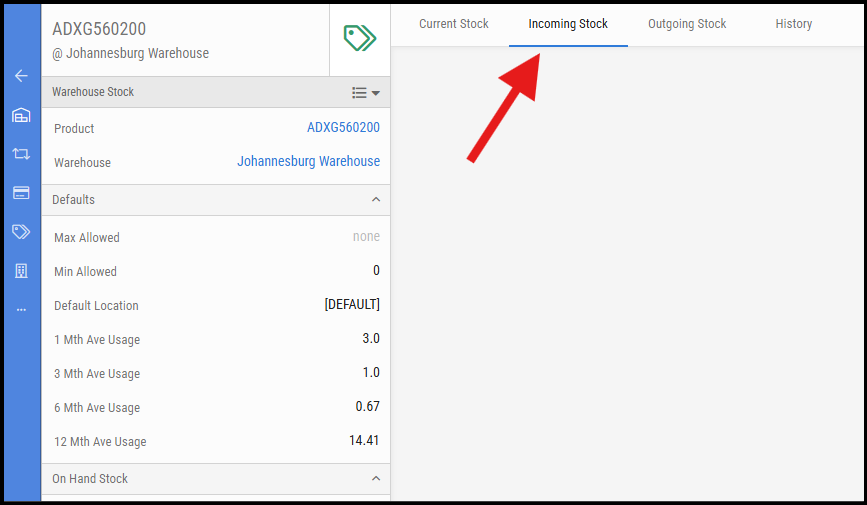
3) Under the Incoming Stock Tab, confirm if there are any PO's open on this page. If so, complete the process of receipting the stock:
4) Refresh the Job page and try allocating the stock again.

support@innovativesolutions.co.za
+27 61 542 7262
Was this article helpful?
That’s Great!
Thank you for your feedback
Sorry! We couldn't be helpful
Thank you for your feedback
Feedback sent
We appreciate your effort and will try to fix the article