BMS allows Engineers the capability of performing Service related Tasks either via the Web or Mobile client. Each Engineer needs to be created, by following these instructions.
Creating an Engineer on BMS
Step by step overview:
Step 1: Create the User
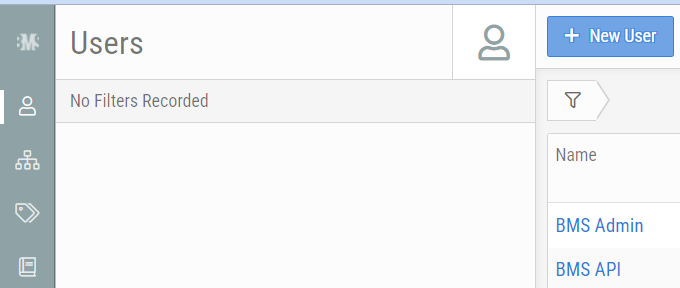
- Within the Admin Module > Users, select New User.
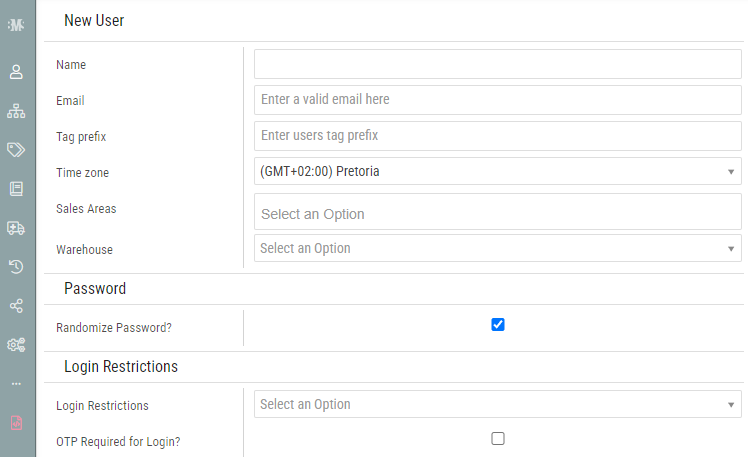
- Enter in all the relevant details under the New User section:
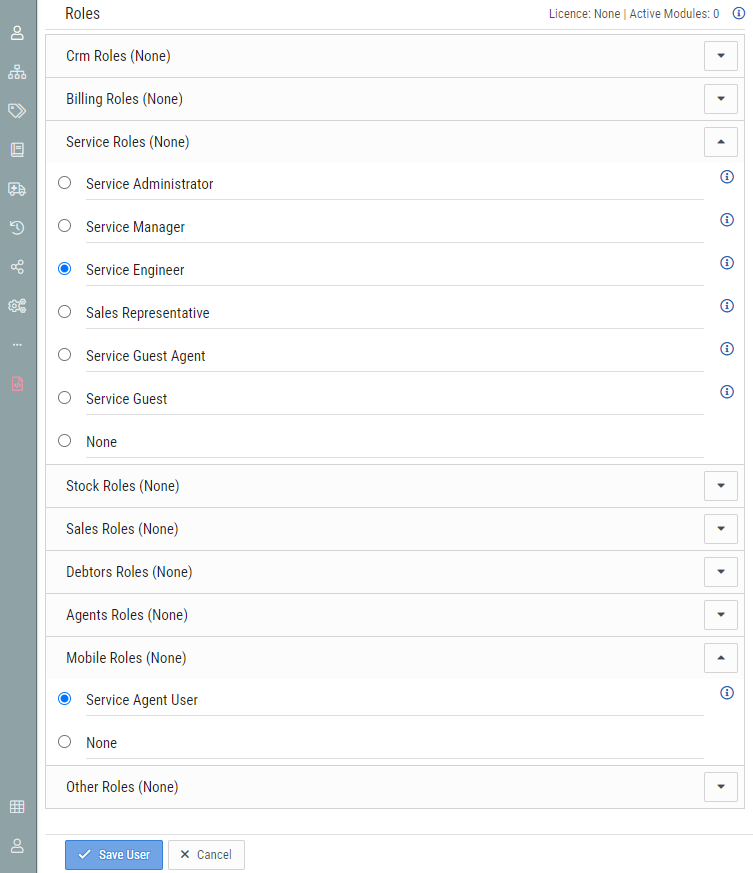
- Under Roles, select the following:
- Service Roles > Service Engineer
- Mobile Roles > Service Agent User
- Click Save User.
- An email will be sent to the user, with their username, password and link to BMS.
Step 2: Register the Engineer
- With in the Service Module > Engineers, select New Engineer.
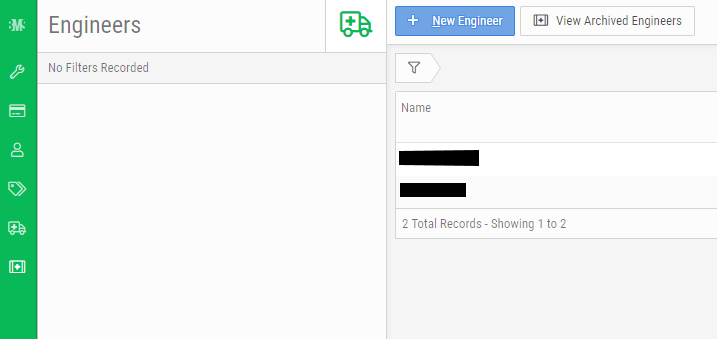
- Select the newly create user from the User account drop down list.
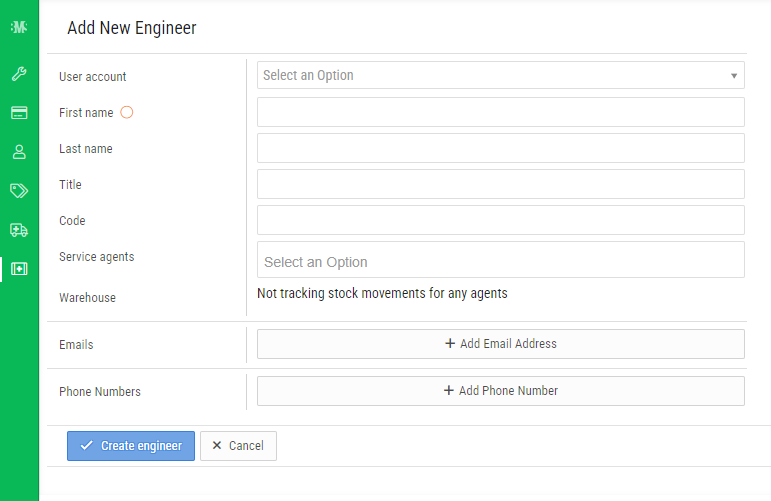
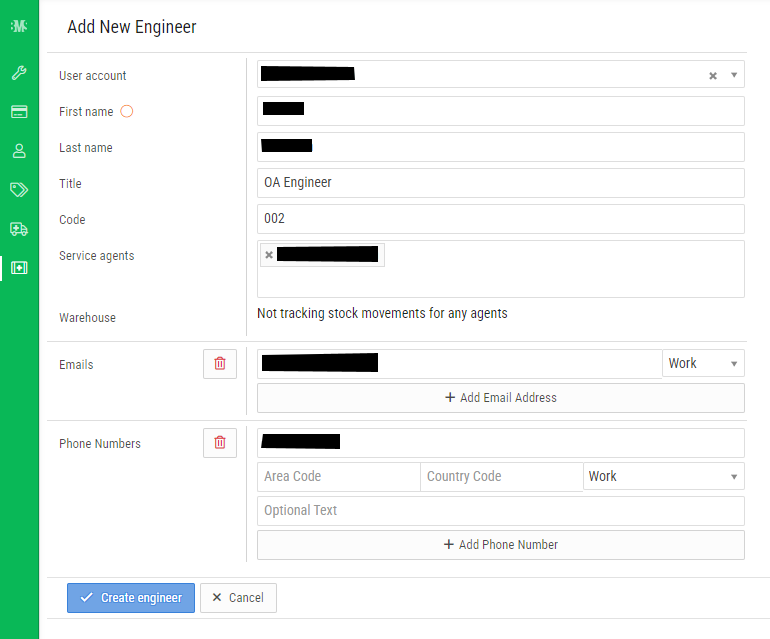
- Enter in all the relevant details about the Engineer.
- Code: Specify any code for the Engineer
- Service Agent: Select one or many of the Service Agents that the Engineer is related to
- Click Create Engineer.

support@innovativesolutions.co.za
+27 61 542 7262
Was this article helpful?
That’s Great!
Thank you for your feedback
Sorry! We couldn't be helpful
Thank you for your feedback
Feedback sent
We appreciate your effort and will try to fix the article