Product: PaperCut Hive, Konica Minolta
Problem: Print jobs released via PaperCut Hive are producing garbage pages with unreadable text. Additionally, jobs are taking longer to release and are printing as separate, unintended outputs. Sample print below:
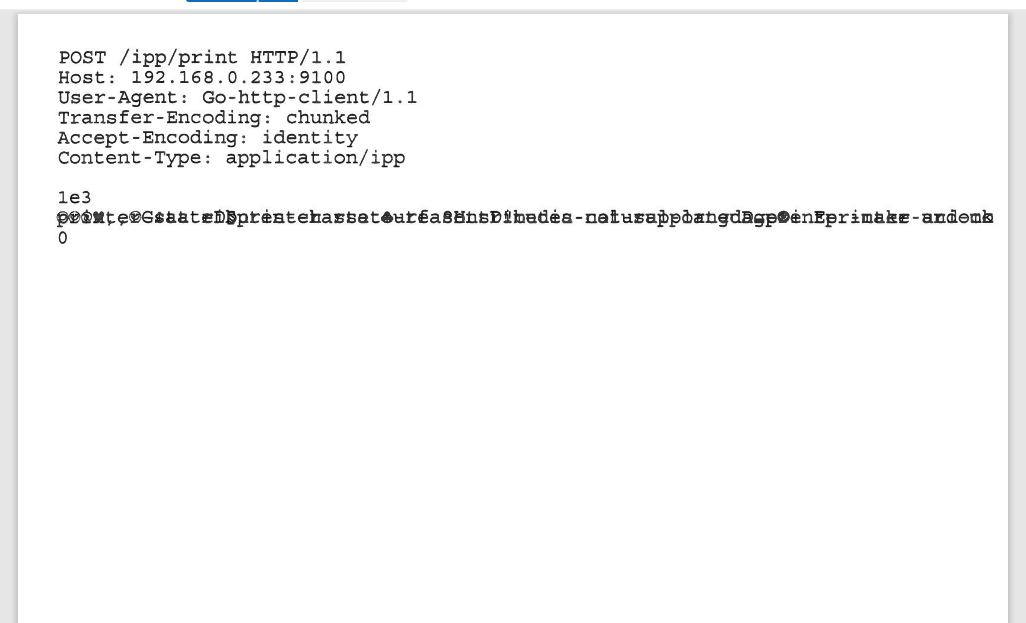
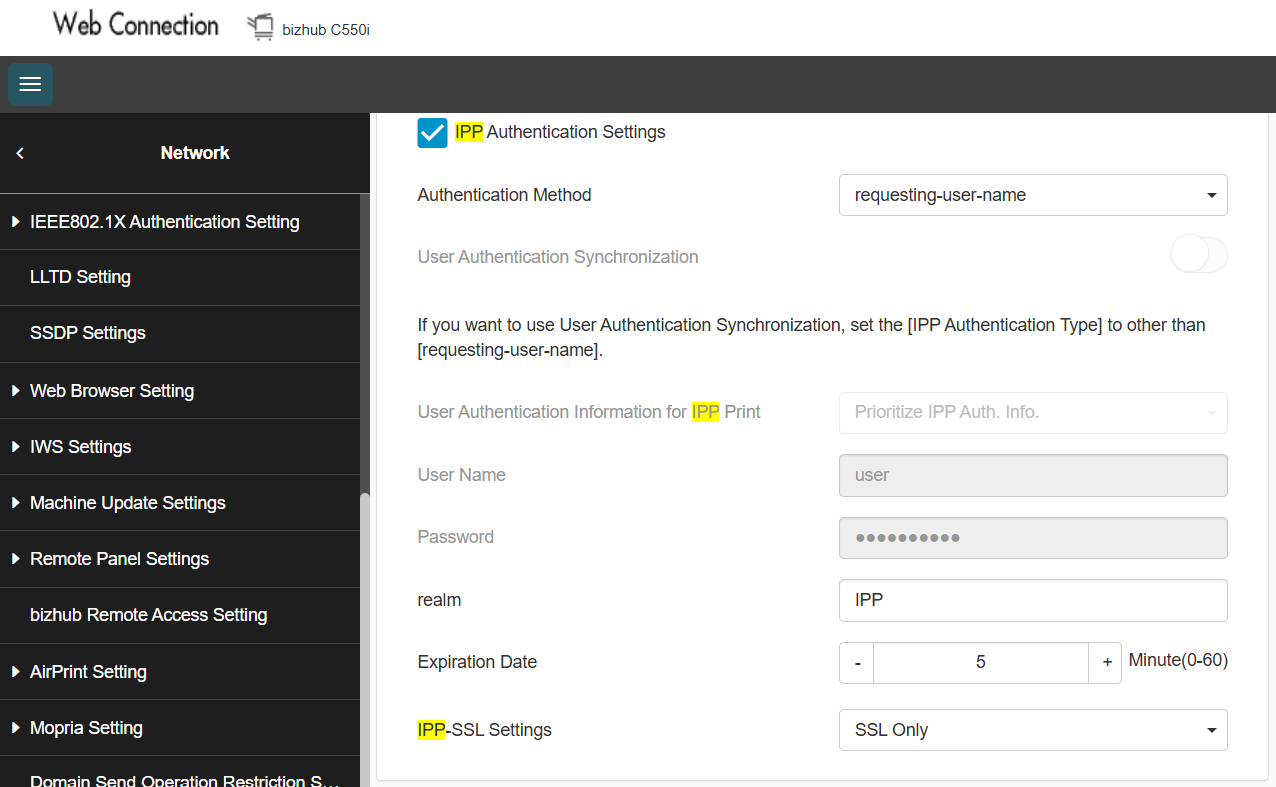
Possible causes: Incorrect configuration of IPP-SSL settings.
Solution:
1) Redeploy the PaperCut Hive app to the MFP.
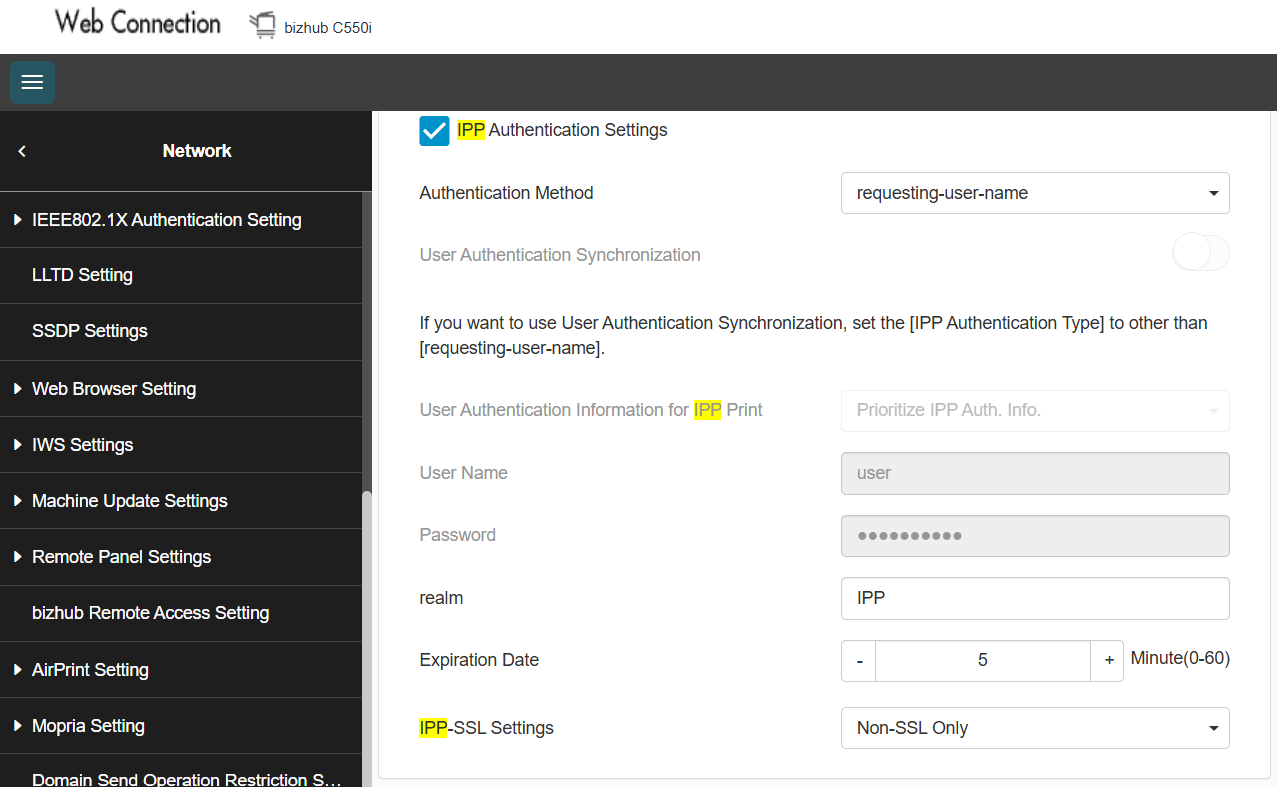
2) Navigate to Network > HTTP Server Settings and update IPP-SSL Settings to Non-SSL Only.

support@innovativesolutions.co.za
+27 61 542 7262
Was this article helpful?
That’s Great!
Thank you for your feedback
Sorry! We couldn't be helpful
Thank you for your feedback
Feedback sent
We appreciate your effort and will try to fix the article